Chances are, you, like everybody else these days, have a million different login accounts: email, social media, bank accounts, shopping sites, you get the picture. Do you remember all those passwords? What a pain. That’s what password managers are for. Essentially, it’s like having a super-secure electronic safe for all your login information. But here’s the million-dollar question: how do these services maintain your safety? That’s all about password manager encryption. We’ll tackle this topic without any tech speak, I promise! Just think of me as your friendly tour guide. Let’s get started!
Why Encryption Matters in Password Managers
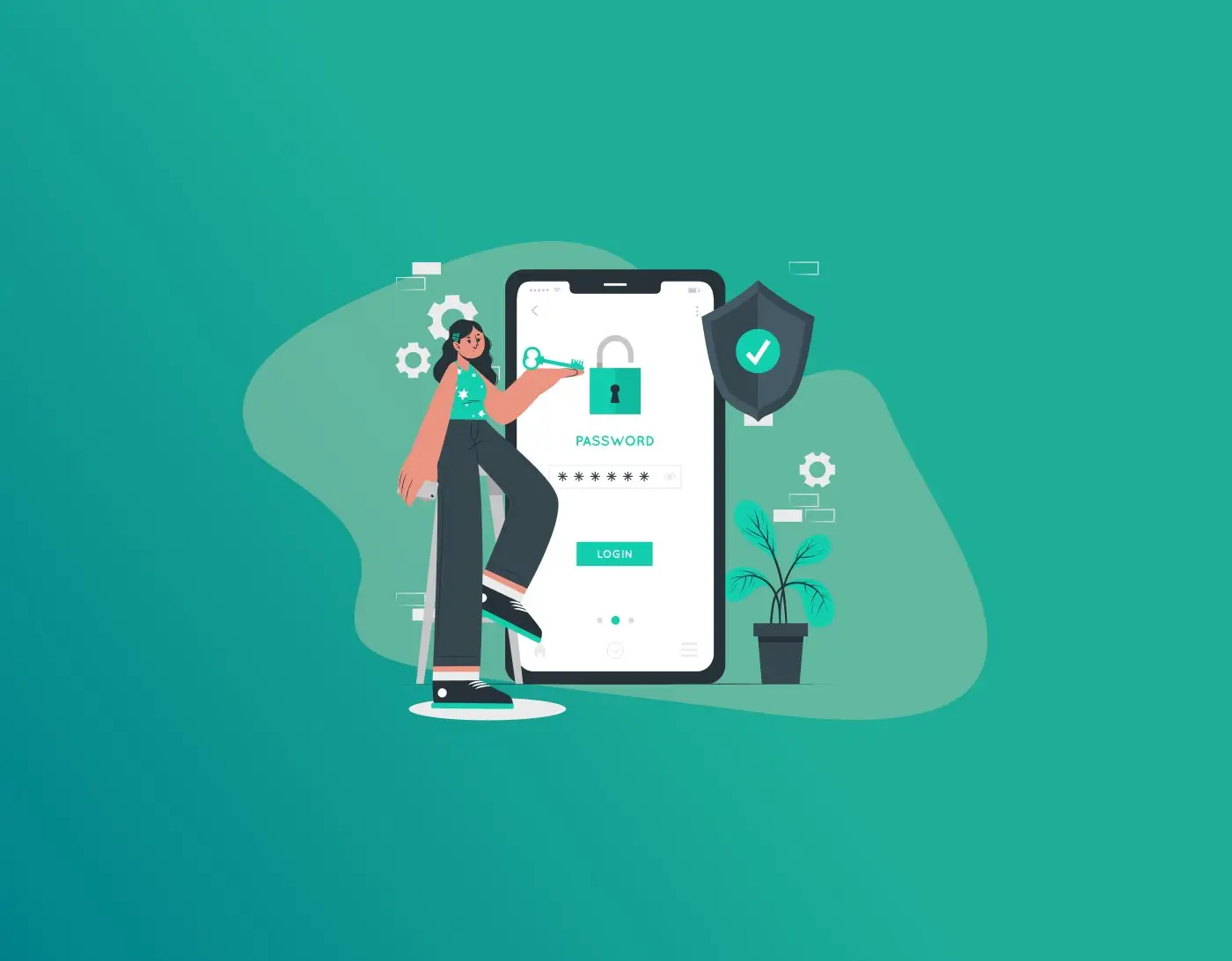
Think of your passwords like valuable treasure you’ve buried. If there’s no lock on the chest, anyone who finds it can just take everything. Encryption is that strong lock—it jumbles up your information so nobody can read it unless they have the right key.
FastestPass keeps all your passwords, credit card numbers, and even secret notes inside a super-secure “vault” that’s protected by encryption. So even if a hacker somehow gets into the system, all they see is total nonsense—they can’t make sense of any of it.
The really good password managers use something called AES-256 encryption. That’s the same super-strong protection that banks and governments trust to keep things safe.
And the nicest part? You only have to remember one master password. That single password opens the whole vault for you—everything else stays locked up tight and safe. Sounds convenient, right? But let’s get into the nuts and bolts with FastestPass leading the way.
How Password Managers Encrypt Data
So, how password managers encrypt data? It starts when you create an account. You pick a strong master password—this is your golden key. The manager uses it to generate an encryption key, which scrambles all your stored info before it even leaves your device.
Here’s a simple step-by-step:
- You enter a password for a site.
- FastestPass encrypts it right on your phone or computer using algorithms like AES.
- This encrypted data gets stored in the cloud or on your device.
- When you need it, you enter your master password, and poof—it’s decrypted just for you.
Nothing is sent in plain text. Even the team behind FastestPass can’t peek inside. That’s why features like auto-fill work seamlessly without risking your security. FastestPass does this with a zero-knowledge setup, meaning they have no clue what’s in your vault.
AES 256 Encryption Explained
Alright, let’s talk about the star of the show: AES 256 encryption explained. AES stands for Advanced Encryption Standard. It’s a symmetric encryption algorithm, which means the same key you used to scramble the data will be needed to unscramble the data. Now, the ‘256’ in ‘256-bit encryption’ refers to the length of the key, measured in bits. This means the size of the key, hence the possible combinations, will be “2^256.” Which, I mean, the number is so massive; even the world’s fastest computers would take billions of years to crack.
But how does it actually work? The AES algorithm breaks your data into 128-bit chunks, which are then processed 14 times through a mixing, substitution, and shifting cycle. Each iteration increases the difficulty of reverse engineering. Just as a cake recipe can only be undone with a recipe book key, your data can only be undone with your key. FastestPass uses AES-256 because it’s speedy, secure, and even qualified to handle top-secret material by U.S. government standards.
Is AES 256 Safe?
You bet! Is AES 256 safe? Absolutely, for now and the foreseeable future. It’s unbreakable by brute force—trying every key combo—with today’s tech. Even quantum computers aren’t a real threat yet, though experts are watching that. AES-256 has been battle-tested since 2001, with no major cracks found.
That said, safety isn’t just about the algorithm. The real security depends on how it’s used. A weak master password can ruin everything. FastestPass adds extra protection like salting + PBKDF2 (which makes hacking attempts super slow), and it gets regular security checks.
End to End Encryption in Password Managers
Your data gets encrypted on your device before it ever leaves. The company never sees your real passwords—only scrambled nonsense. Even if their servers get hacked, your info stays safe. Only you (with your master password) can unlock it. No middlemen, not even the company, can read it.
In practice, your passwords are encrypted locally before syncing to the cloud. FastestPass uses this to ensure privacy. It’s like mailing a locked box: The post office delivers it, but only you have the key. This protects against breaches—if hackers grab the data, it’s useless without your master password.
Zero Knowledge Encryption Meaning
Closely tied to end-to-end is zero knowledge encryption meaning. Zero-knowledge means the service provider knows zilch about your data. They store encrypted blobs, but can’t access or decrypt them. You prove you own the data without revealing it—kinda like showing your ID without handing it over.
In password managers, this is gold. FastestPass uses a zero-knowledge architecture, so even their employees can’t snoop. It’s based on math proofs that let you verify info without exposing secrets. Bottom line: Your vault stays your business.
Password Vault Encryption: The Heart of It All
At the core is password vault encryption. The vault is where everything lives—encrypted with AES-256 or similar. FastestPass gives you a secure vault with layers of protection.
Some vaults support extras: Biometrics for unlocking, or sharing encrypted folders without revealing passwords. Always look for strong, reliable options—and FastestPass delivers exactly that.
Wrapping It Up
There you have it—a casual stroll through password manager encryption. From AES-256’s unbreakable strength to zero-knowledge’s privacy magic, these tools make life easier without skimping on security. Pick FastestPass, create a killer master password, and enable two-factor auth. You’ll sleep better knowing your digital life is locked down tight. Remember, the weakest link is often us humans—avoid reusing passwords or falling for phishing.
Generate passkeys, store them in vaults, and safeguard sensitive data! Receive the latest updates, trending posts, new package deals,and more from FastestPass via our email newsletter.
By subscribing to FastestPass, you agree to receive the latest cybersecurity news, tips, product updates, and admin resources. You also agree to FastestPass' Privacy Policy.
Secure and Create Stronger Passwords Now!
Subscribe to Our Newsletter