A fake CAPTCHA phishing scam is a malicious tactic where fake security checks trick you into running harmful code to install malware or steal data from your device. The fake CAPTCHA requires you to copy and paste commands that might seem harmless at first. But later, you might end up downloading the CAPTCHA virus on your device.
With almost every website asking you to verify you’re not a robot, how do you identify a fake CAPTCHA phishing scam? And, how do you protect yourself from A CAPTCHA phishing attack? This guide walks you through what a fake CAPTCHA scam is, how it works, and how to prevent it.
What Is Fake CAPTCHA Phishing?
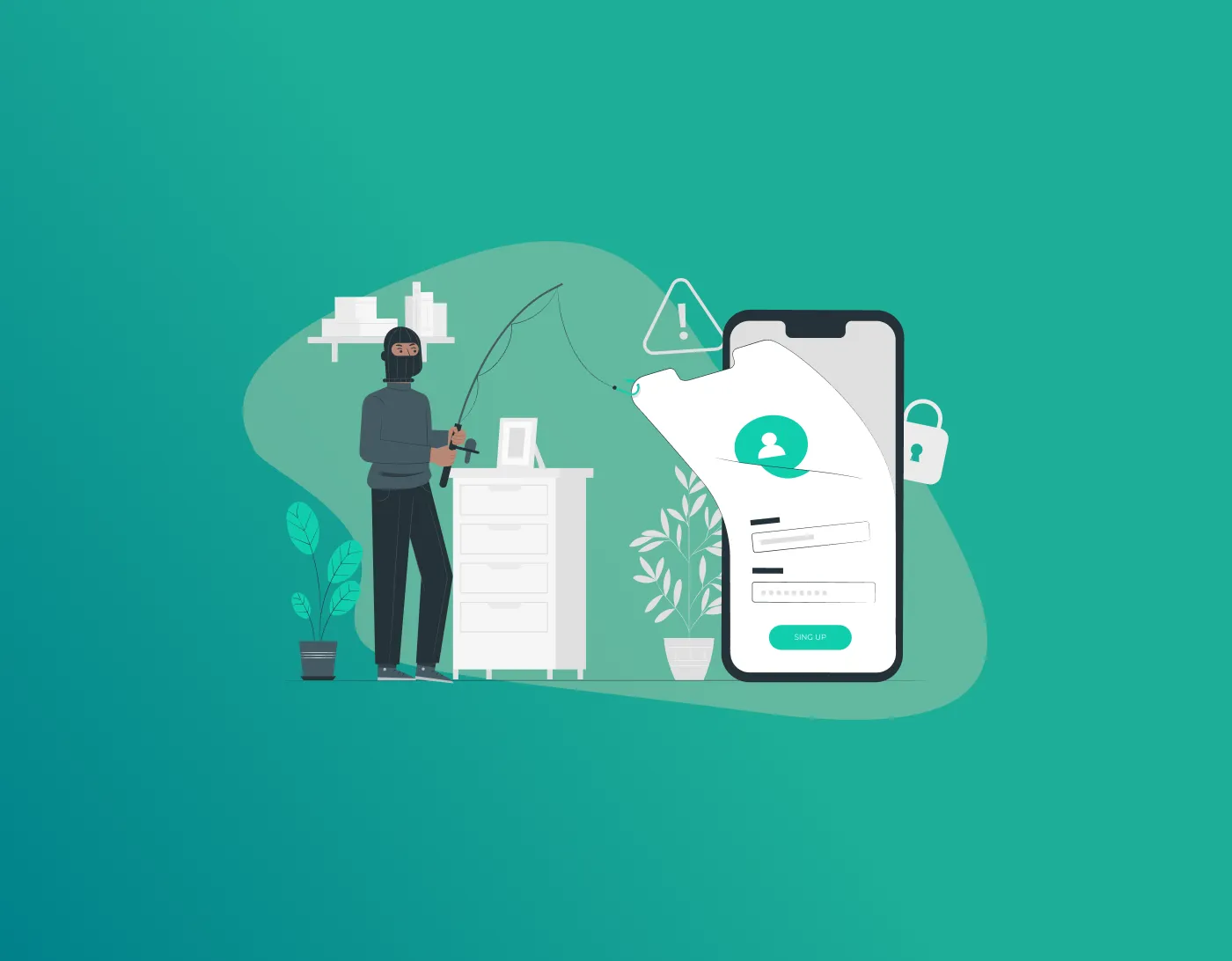
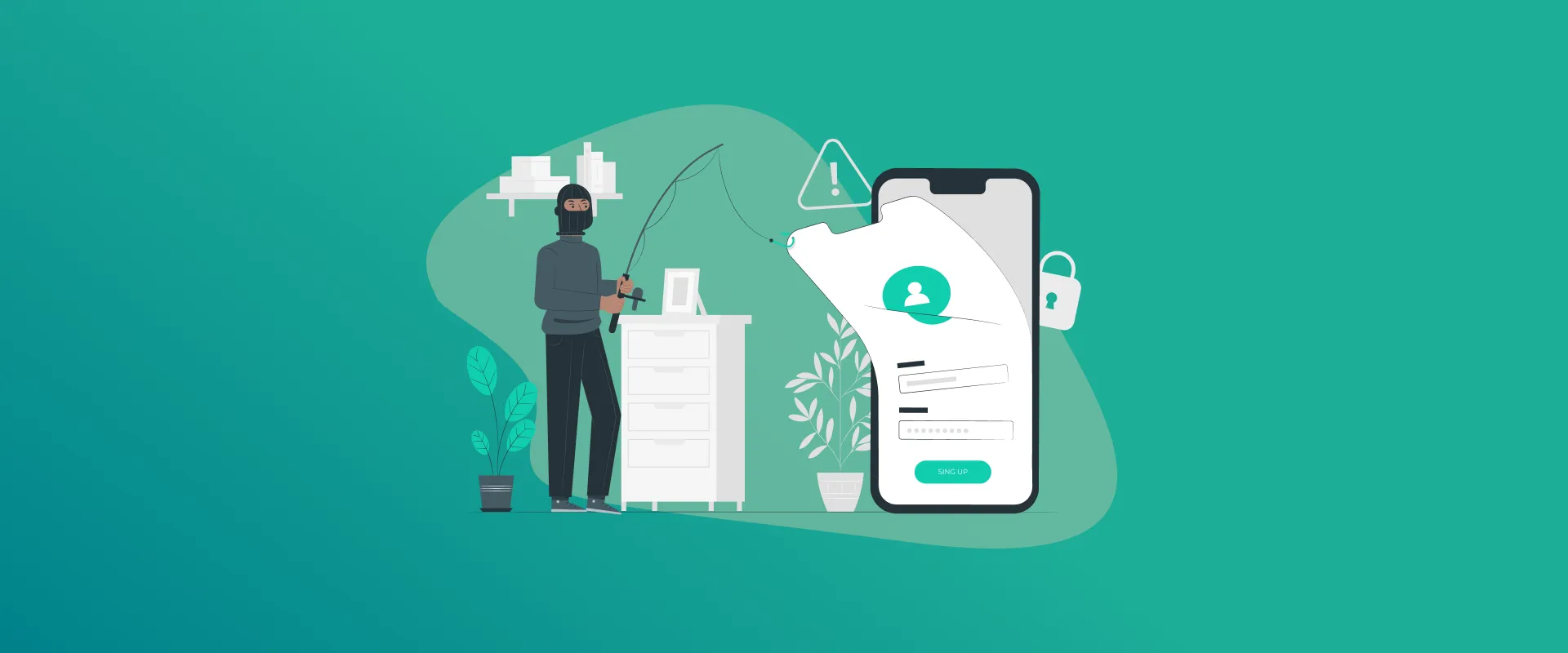
Fake CAPTCHA phishing is a social engineering tactic where hackers create counterfeit “I’m not a robot” verification forms. As a user, you are tricked into executing malicious code on your device.
A fake CAPTCHA attack differs from traditional password-stealing attempts on login pages. Instead, it tricks you into executing the code and installing the malware on your device. However, the aim remains the same: stealing your data.
How Fake CAPTCHA Steals Passwords
Fake CAPTCHA tricks you into executing malicious code and installing malware. Researchers call this a form of the ClickFix social engineering tactic. Here’s how CAPTCHA phishing attack works:
- The Bait: You visit a website, and a pop-up appears asking you to verify you’re human. And, it looks exactly like a normal Google CAPTCHA.
- The Trick: You click on “I’m not a robot,” and the page tells you to press Win + R > CTRL + V and Enter.
- Malware Installation: You’ve installed malware on your device. It can now steal your passwords, files, or even lock your computer for ransom.
Since you’re being asked to download malware, it must be easy to avoid it? The hacking attempt hides in your clipboard, making it difficult to detect. Malicious code was silently copied and executed without your knowledge.
How to Spot Fake CAPTCHA
Here are the 5 red flags to watch for:
- It Asks You to Press Windows Key + R: Real CAPTCHA never involves keyboard shortcuts. This opens the Run box.
- It Tells You to Copy and Paste Commands: If it says “Press Ctrl + C, then Press Ctrl + V,” it’s a scam. Legitimate verification never uses your clipboard.
- It Has Fake Error Message: You might see an error message like, “Verification failed. Please try again.” Or “System error. Complete the fix steps below.”
- The URL Looks Suspicious: Check the web address bar, and if it looks something like secure-verify-xyz.ru, it might be a scam. Hover over links before clicking.
- There Are Many Instructions: You will see many instructions that include pressing different keys. CAPTCHA tests don’t ask you to press anything on your keyboard.
What Happens if You Click on a Fake CAPTCHA?
Clicking on a fake CAPTCHA alone does not infect your computer. Instead, it’s following the instructions and installing the malware on your device. However, if you only clicked on a fake CAPTCHA, then close the tab immediately. If you already copied and pasted the code, then here’s what happens next:
- The computer suddenly runs slowly.
- The fan runs louder.
- You notice strange pop-ups or error messages.
- Files don’t open or are renamed.
- Antivirus is disabled itself.
- Friends get weird emails from you.
FAQs – Fake CAPTCHA Phishing Scam
Legitimate CAPTCHA systems, such as Google reCAPTCHA, are safe to use and crucial. They protect against bot attacks, spam, and fraud.
If you believe you downloaded and executed a file from a fake CAPTCHA, then immediately disconnect from the internet. Do not use the infected device and log into any accounts. Run an antivirus scan, and end all suspicious tasks running from the Task Manager. Moreover, change the passwords of all your accounts from another device.
Run an antivirus scan with a reputable security solution for CAPTCHA virus removal. Run Windows Defender offline scan, clear all browser data, remove suspicious extensions, and clean all temporary files from your device.
Final Note: Are All CAPTCHAs Dangerous?
CAPTCHA tests are crucial to protect against bot attacks. However, CAPTCHA Phishing scams manipulate you into downloading malware, and they are hard to avoid. The commands you execute are hidden, and you do not see the malware being installed on your device. Always look out for red flags and run antivirus scans to check for potential malware on your device.
Generate passkeys, store them in vaults, and safeguard sensitive data! Receive the latest updates, trending posts, new package deals,and more from FastestPass via our email newsletter.
By subscribing to FastestPass, you agree to receive the latest cybersecurity news, tips, product updates, and admin resources. You also agree to FastestPass' Privacy Policy.
Secure and Create Stronger Passwords Now!
Subscribe to Our Newsletter