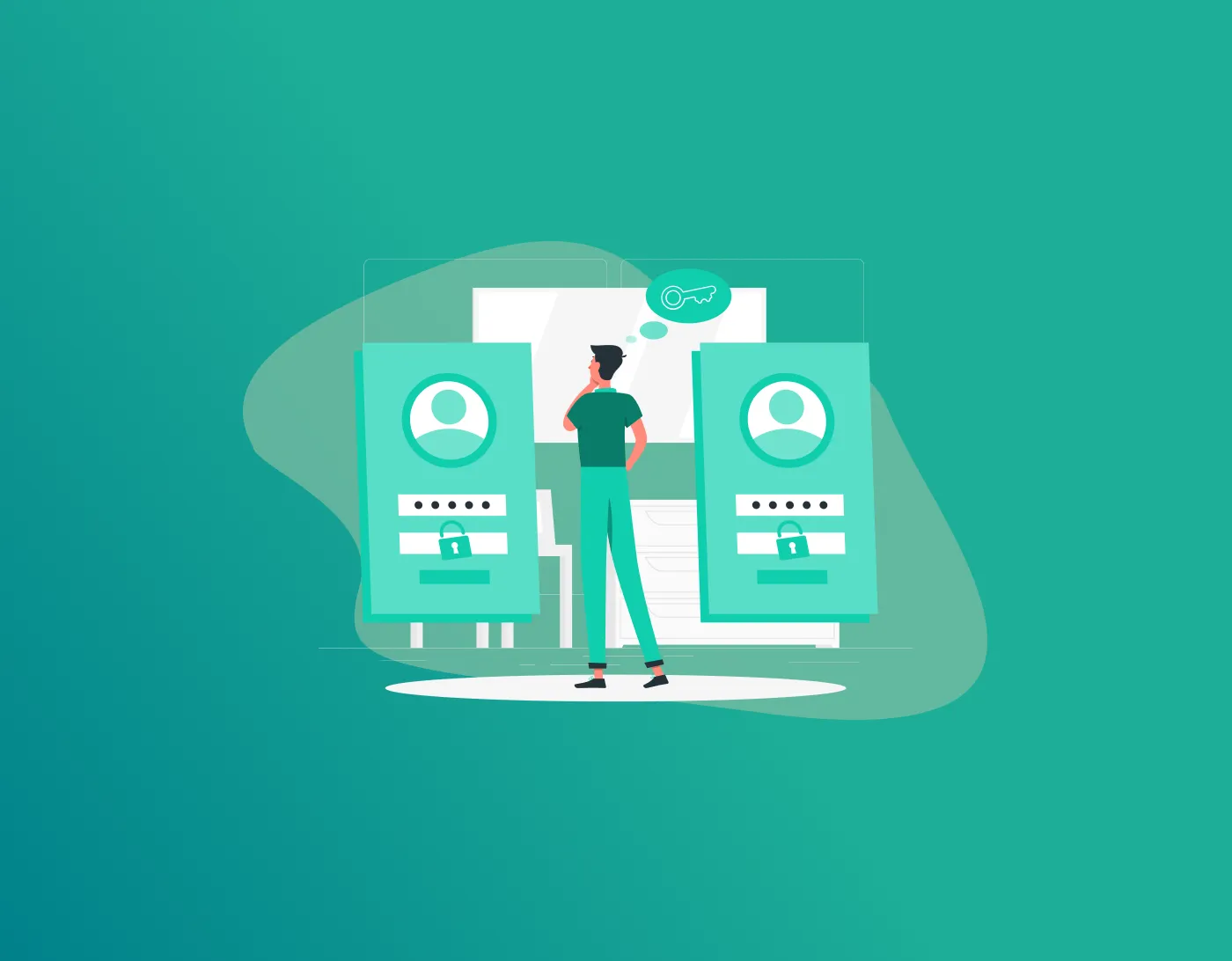
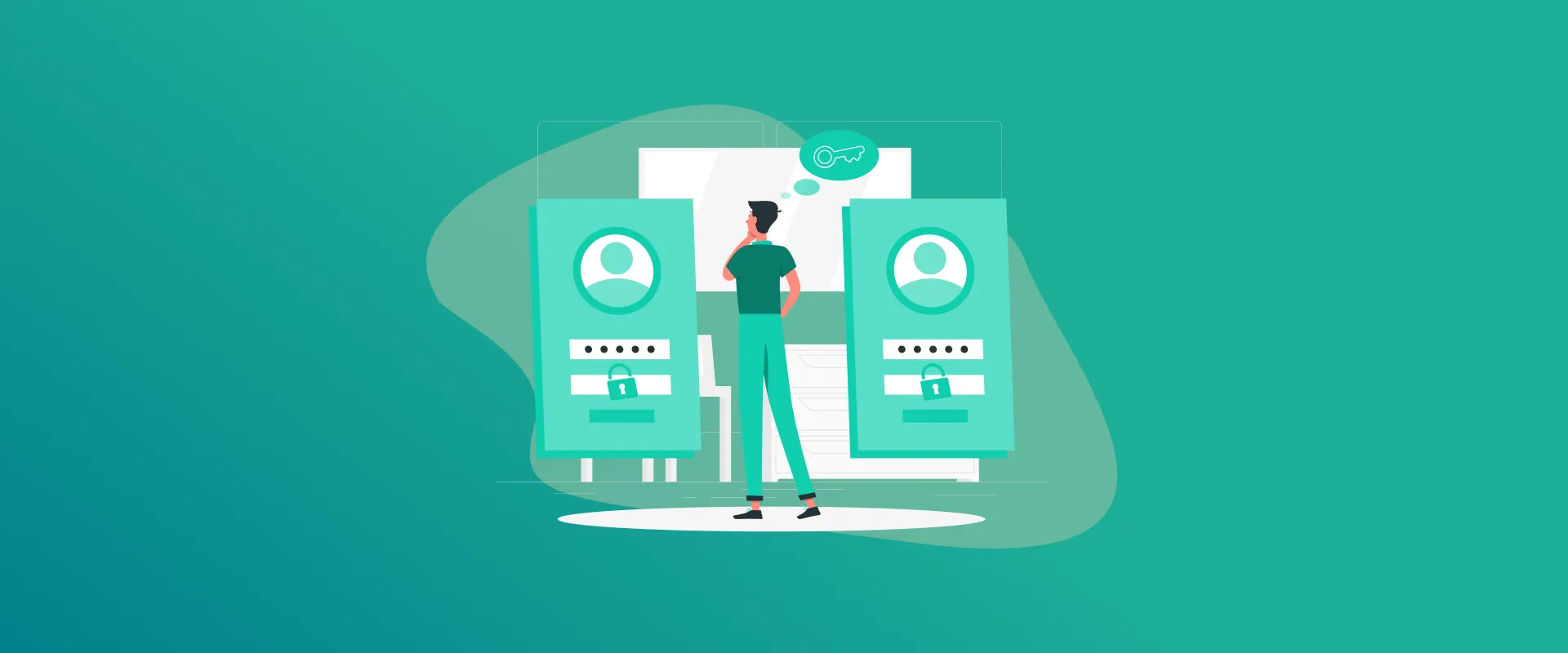
This guide shows you the differences between “Password manager vs Remember me” and which one is considered the safest to use.
Isn’t it frustrating to wake up one day, head to work, and get started with your tasks only to forget your login passwords? We’ve all been there! Most of us often keep one password for all our media accounts and device logins, but we can easily forget it.
Now imagine having a different password for each account and device? Either way, the safest option is to have more than one password because it significantly reduces the risk of breaches and hacking. But how do we do that without forgetting them? Here is where a password manager and the “Remember Me” option come in. However, which one is better?
Digital security is a common and continuous fight. The “Remember Me” checkbox is the oldest and most commonly used option, but does it give you the best security you need? On the other hand, a password manager is a more modern and practical approach with higher security.
At first glance, they seem to do the same thing, but are they actually the same? Let’s dive into it.
TIP!
It’s not easy to juggle numerous accounts and use a different password for each. With that said, you can consider using the best password manager with built-in encryption. This way, you can generate, store, and auto-log in whenever needed.
“Remember Me” – Illusion or Remedy?
Everyone has used the “Remember Me” option at least once in their life. Every time you try to sign in to anything or create your account, you unconsciously tick the box that says “Remember me,” only to sign in automatically.
However, is that really safe? What happens if your device is used by someone else and they sign into your accounts using the “remember me” settings? This can also include your bank accounts or your private albums. You see the problem there?
In short, you’re giving your browser and just about any person with access to your device a digital ticket to unlock everything.
With this setting, you’re basically storing your login information in your browser’s cookie folder. So, if someone gains physical access to your laptop while it’s unlocked, it can be a coworker with no boundaries or common ethics, or a hacker/thief who snatches your bag or hacks your device; either way, you’re a goner. They don’t need to crack your complex password; they just need to open the browser.
It’s even worse if you’re someone who uses the same password for every site; then using the “Remember Me” feature is simply asking for unneeded trouble. You’re not managing security; you’re just hiding it behind a curtain of convenience. So, this is where password manager vs remember me comes into the picture, keeping all the prospects in check.
A Password Manager – Why it’s Widely Used
A Password Manager is a more sophisticated and encrypted approach to securing your passwords, storing them, and allowing auto-fill whenever you need. However, not just anyone has access to it. You will still need to enter the master password to use any stored passwords in the vault. That is the beauty of it; it’s safe to use.
It’s perfect for anyone who needs to create a unique, impossibly complex password for every single website they visit. For instance, a password manager can create a code like 9x!mP$2qL@7z, and no human (apart from those with photographic memory) can memorize that, and that’s the whole point. All you need is to remember just one master password that unlocks the vault.
However, always understand that just because a password manager is reliable, it doesn’t mean that all are. When you’re using one, you are entirely shifting your trust in it rather than your own memory. This means that you need to choose wisely.
So, unlike the “Remember Me” checkbox, which leaves a free pass to others across your browser waiting to be exploited, a Password Manager requires an active action. It requires a click, a biometric scan like Face ID or a fingerprint, or a master password unlock.
Password Manager vs Remember Me – Which One is the Safest?
So, which is better in this password vs remember me comparison? The short answer is that if you value security over convenience, the Password Manager wins by a landslide.
Here are a few reasons why:
1. Password Manager vs Remember Me – Immunity to Physical Theft
Here’s the thing, if someone steals your unlocked phone or laptop while you are using a “Remember Me” feature, they will most definitely have access to everything.
With it, they can access your Gmail, reset your media account and bank passwords, and also attempt to change your passwords, locking you out within minutes.
However, if the thief or hacker steals your device, they still have to go through security checks if all your accounts are password-protected with a password manager. Even if the device is unlocked, the vault requires authentication via 2FA and a master password.
2. The Credential Stuffing Issue
This is one of the main issues with the “Remember Me” approach. When you reuse passwords, regardless of whether you use “Remember Me” to avoid typing them, you are vulnerable to credential stuffing. Hackers obtain a database of usernames and passwords from commonly breached sites like LinkedIn or Adobe. They then run a script trying those same credentials across thousands of other sites. It can be banking sites, shopping sites, health portals, etc.
However, when you use a safe password manager like FastestPass, it makes credential stuffing impossible. Since every password is unique, a breach on one site leaves the other 199 accounts completely untouched.
3. Phishing Attempt Resistance
“Remember Me” features often don’t care where you are or how you use your media accounts. If a hacker sends you a fake email that looks exactly like your bank’s login page, and you click “Remember Me” on that fake site, you’re highly likely to lose your credentials.
A Password Manager uses something called “URL locking.” It will only auto-fill your password on a site like chase.com. So, if you land on a site like chase.xyz-scam.net, the password manager won’t function. This is because it refuses to fill in the information on scam sites. It acts as a bouncer, verifying the site before handing over verification keys.
Password Manager vs Remember Me – Human Error
Of course, no tool is a 100% perfect or accurate. Password Managers have a “single point of failure,” which is the master password. If you forget it, you can be locked out completely. This means that if you choose a weak master password like the typical password123, the entire vault is at risk. Regardless, the “Remember Me” feature is still far more vulnerable, and mostly because of human nature.
Because we know our memory is bad, we compensate by making passwords simple and universal. We use our dog’s name, our birthday date or year, or the dreaded “123456.” We then check “Remember Me” so we don’t have to confront our own poor security hygiene.
FAQs – Password Manager vs Remember Me
No, it most definitely is not. If you’re sharing a gaming PC, there needs to be individual and locked security settings. This is when a password manager is the preferred option. The only single flaw would be that you forget your master password or create a weak one that leads to hacking. No, it’s not. They’re passwords for a reason, and using them is mainly to secure a device or account. Saving them on a public PC browser would be considered careless, specifically if you leave your account signed in. It is a kind of cybercrime where hackers steal your sign-in credentials, including username, password, and other kinds of codes. Cafes are highly targeted, mostly because gamers often sign in using their personal emails and passwords. The Remember Me feature doesn’t actually store your login information, but it does log your sessions in your browser cookies. For instance, you won’t find your password stored and displayed out in the open, but every time you visit the same site where you clicked on “Remember Me,” your details are auto-filled, and then you’re signed in. These are called plaintext passwords. This occurs when organizations save users’ login credentials without any encryption. For instance, if someone chooses “employee1” as their username and “password1” as their password, it gets stored exactly the same as was assigned and what gets stored in the company’s user database.
To Conclude
An ideal secure digital life isn’t about using one or the other exclusively. It’s about understanding the context. For instance, if for a news website where none of your personal information and payment details are stored, the “Remember Me” option is completely fine to use.
However, if you’re using it for your email, your primary bank, your investment accounts, etc., that’s when a lot of issues arise. That is where a password manager comes in. It’s not just for creating and storing passwords, but also adds an extra layer of security.
We often spend time either worrying about hacking or not worrying at all, and making the wrong decisions, which leads to poor security settings. For this very reason, to make things simpler, it’s best to use a password manager for the best results.
Generate passkeys, store them in vaults, and safeguard sensitive data! Receive the latest updates, trending posts, new package deals,and more from FastestPass via our email newsletter.
By subscribing to FastestPass, you agree to receive the latest cybersecurity news, tips, product updates, and admin resources. You also agree to FastestPass' Privacy Policy.
Secure and Create Stronger Passwords Now!
Subscribe to Our Newsletter