“My Eyes Only” on Snapchat is a private space. People use it to lock their saved photos and videos. It is protected with a passcode. Only you can open it.
But many users forget that passcode. Then they search things like how to reset my eyes only password on Snapchat or reset my eyes only password.
If you are in the same situation, don’t worry. It is a common issue. Let’s understand it in a simple way.
What “My Eyes Only” Actually Is
“My Eyes Only” is part of Snapchat Memories. It is a hidden folder. You can move your private snaps here. They stay locked behind a passcode. This makes it very secure. But there is one important thing to remember. Snapchat does not store or recover your passcode. So if you forget it, recovery is not possible in the normal way.
Can You Reset It Without Losing Data
This is the question most people ask. They want to know how to reset my eyes only password without losing everything. The answer is very clear. If you forgot the password, you cannot reset it without losing your saved data.
If you reset it, Snapchat deletes everything inside My Eyes Only. If you remember your old password, then you can change it safely. In that case, nothing is lost.
How to Reset My Eyes Only Password on Snapchat
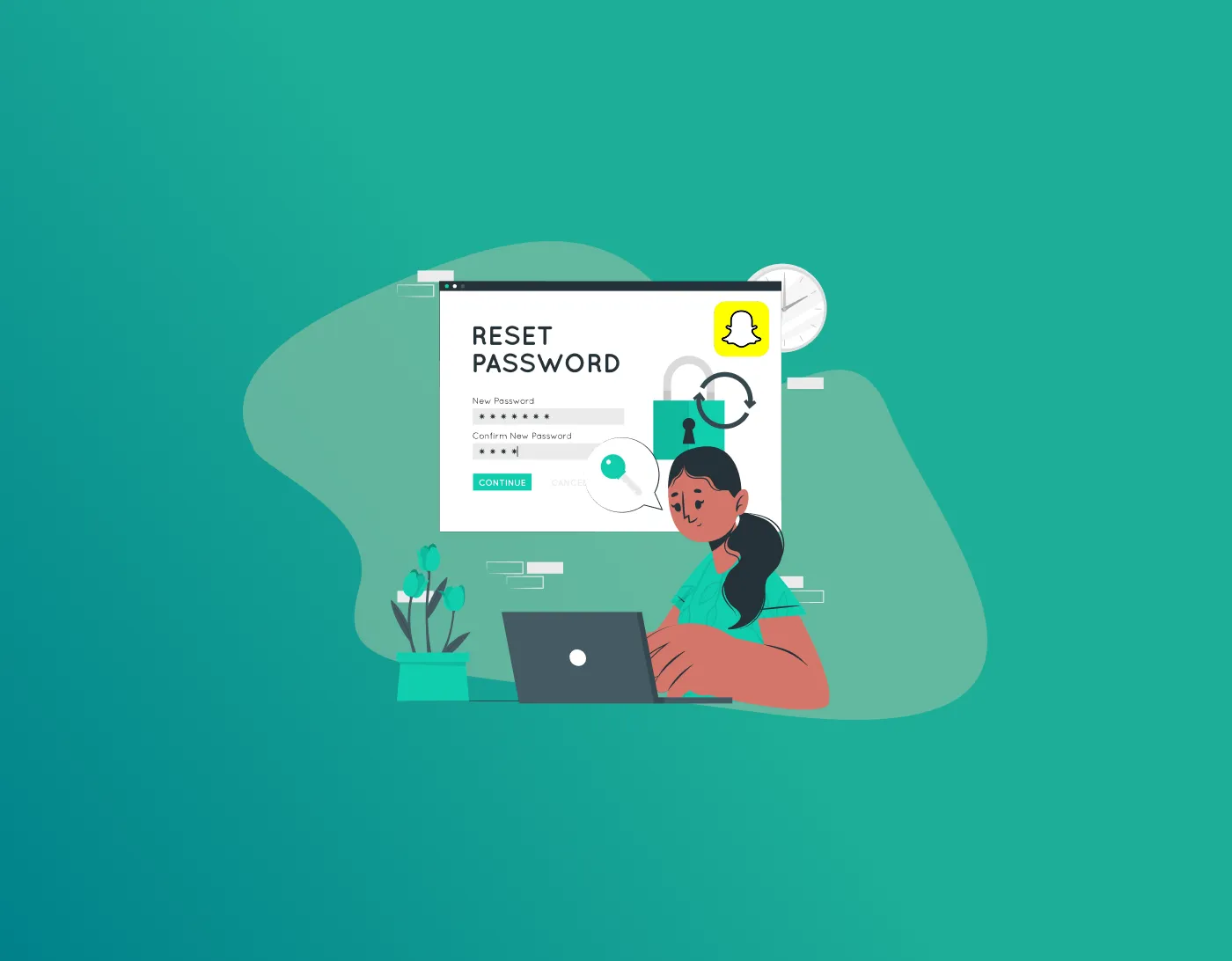
If you forgot your passcode, you can still reset it. The steps are simple. Open Snapchat and go to Memories. Swipe up from the camera screen. Find the My Eyes Only section and open it.
Tap on Options. Then select Forgot Passcode. Snapchat will ask you to enter your main account password. This is to confirm your identity.
After that, you will see a warning. It will tell you that everything inside will be deleted. You need to continue from there. Now set a new passcode. Confirm it. Then finish the setup. Your My Eyes Only will be reset.
What Happens After Reset?
After resetting, your old private snaps are gone. They cannot be recovered. Even Snapchat cannot bring them back.
This is why many people feel surprised later. They think reset means recovery. But it actually means a fresh start.
If You Still Remember Your Password
If you still know your old passcode, things are much easier. Open My Eyes Only. Go to Options. Choose change passcode. Enter your current password. Then set a new one. Your data stays safe. Nothing gets deleted.
Why People Forget It
Many users forget their My Eyes Only password. It usually happens because they set a random code. Then they don’t use it for a long time. Sometimes people also change phones. After that, they simply forget what they set. That is why searches like reset my eyes only password are very common.
How to Avoid This Problem
The best way is to store your passwords safely. Memory is not always reliable. People forget things easily.
A password manager can help here. A tool like FastestPass password manager keeps your passwords safe in one place. You do not need to remember everything. You can just open it when needed.
It also reduces the chance of losing access to important accounts.
Final Thoughts
Resetting My Eyes Only on Snapchat is not difficult. But it has one big condition. If you forgot your password, your data will be deleted.
If you remember it, you are safe. You can simply change it without losing anything. So the real solution is not just resetting. It is remembering or safely storing your password.
Using a tool like FastestPass password manager can make your life easier. It helps you avoid this situation in the future.
Generate passkeys, store them in vaults, and safeguard sensitive data! Receive the latest updates, trending posts, new package deals,and more from FastestPass via our email newsletter.
By subscribing to FastestPass, you agree to receive the latest cybersecurity news, tips, product updates, and admin resources. You also agree to FastestPass' Privacy Policy.
Secure and Create Stronger Passwords Now!
Subscribe to Our Newsletter