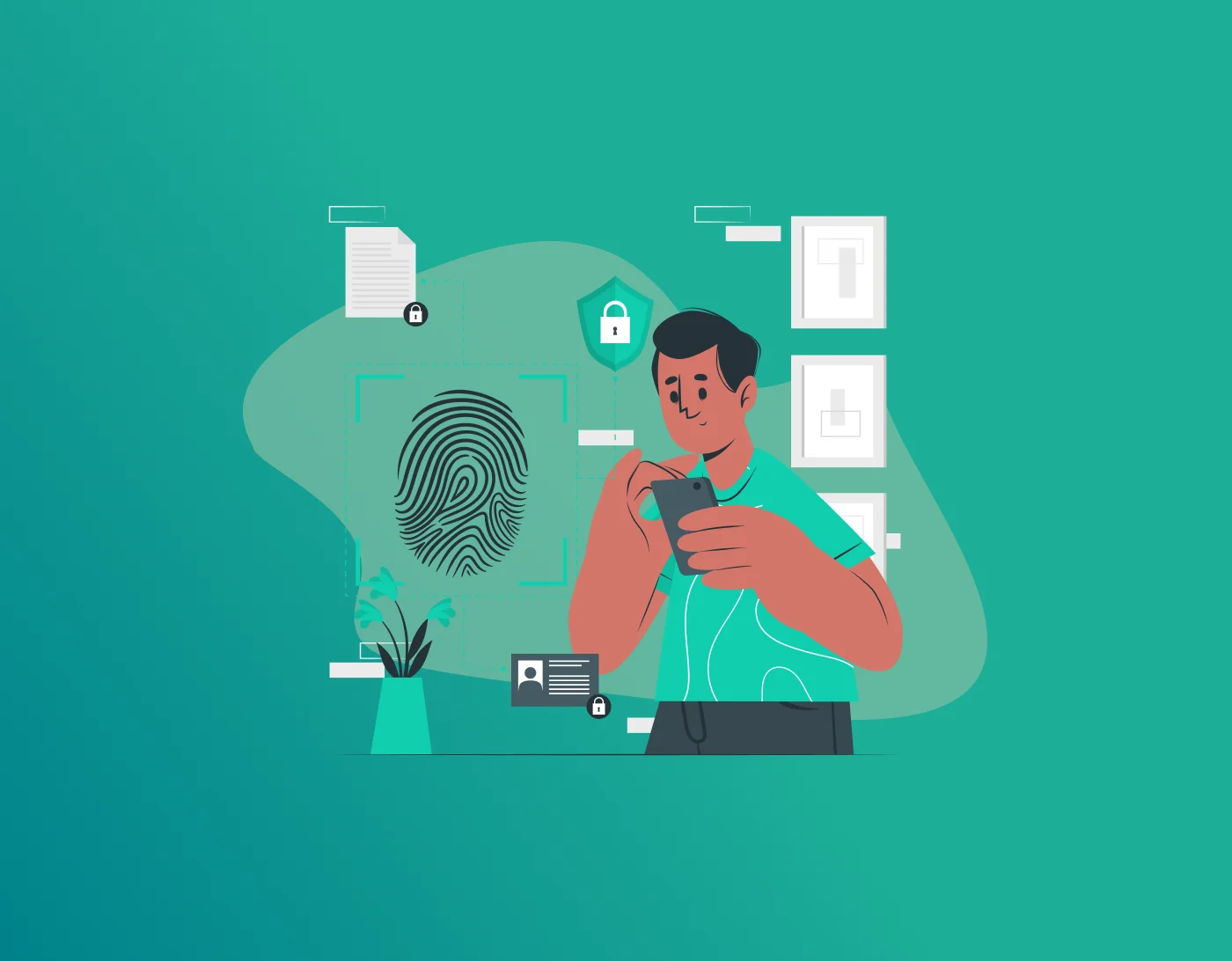
Cleaning your digital footprint is about controlling the amount of personal data you leave behind. After using your device, it becomes cluttered, it has so many uploaded pictures, profiles, reviews and surveys you left online.
It all accumulates into one large pile. Moreover, if someone looks for you online, they can even see awkward pictures that you have uploaded years ago. Not only that, but there can be your residential address, and old online accounts you no longer remember.
In short, leaving your digital footprint can affect your employment opportunities, personal life, or even become a target for criminals. However, the good news is that you can clean most of it by following some basic steps.
It takes time, but you’ll feel lighter and safer afterward. Let’s walk through it together, one easy piece at a time.
Why Do You Need to Clean Your Digital Footprint?
Your online history doesn’t disappear on its own. Old posts from years ago can pop up when someone Googles you. Friends, family, bosses, or strangers might see things you no longer want public. Plus, data brokers collect and sell your info, leading to more spam, robocalls, or worse. Regular cleanup keeps your personal life more private.
How to Clean Up Your Digital Footprint?
To erase, or control your digital footprint, start with the basic steps. Here are a few listed steps that you can follow to ensure your online privacy remains intact.
Step 1: Search for yourself first
- Firstly, start with searching for yourself. Launch an incognito browser window, this does not affect your casual search results..
- Type your full name in quotes. Add your city, old school, or past jobs too. Check the first 10 pages. Don’t forget image search.
- Look on Google, Bing, and other engines. Check people-search sites like Spokeo or Intelius. Note down any links that show your info. Take screenshots so you can track what you remove later.
Do this every few months. It shows you exactly what’s out there.
Step 2: List all your old accounts
Make a list of every online account you remember. Think Facebook, Instagram, Twitter/X, old emails, shopping sites, forums, games, and dating apps. Check your email inbox for old sign-up confirmations to jog your memory.
Many of us forget accounts from years back. Old Tumblr or MySpace profiles can still exist. Use sites like JustDeleteMe for direct links to deletion pages.
Step 3: Delete or deactivate unused accounts
- Check your list. Log into each of your old accounts and delete posts, photos and other personal details. Now deactivate or completely delete your account.
- If deletion is not taking place, read the guidelines of the platform. If there is any important data, don’t forget to backup first.
- If there are any abandoned email accounts, forward important emails, then close your accounts.
Step 4: Privacy Settings Check
- For the email accounts that you will continue using, ensure that your privacy settings are tightened up.
- Limit who can see old posts.
- Turn off options that let search engines index your profile. Review connected apps and revoke access to quizzes, games, or tools you no longer use. Platforms update these settings often, so check regularly.
- On social media, go back through your feed. Delete or hide posts that feel too personal now. Untag yourself from old photos friends shared.
Step 5: Remove your info from data brokers and search results
- Data brokers collect your name, address, phone, and more. Many let you opt out. It takes effort, but it’s worth it. Search for “[site name] opt out” for each one.
- Request removal of personal info from Google and other search engines when possible.Other information can be considered for deletion, such as old contact numbers.
This process is redundant due to the practice adopted by data brokers. Maintain consistency. You could look into using a service that helps in doing this regularly to make life easier for yourself.
Step 6: Safeguard the remaining data through good practices
- Passwords should always be unique and strong. Password management software such as FastestPass will assist you in making this process simple. All information is encrypted and stored securely in a virtual vault.
- One master password unlocks it all, so you stay secure without the headache.
- Enable two-factor authentication everywhere. Clean your browser history and cookies often. Use incognito mode for non-work-related browsing.
Step 7: Create a positive digital footprint
Cleaning is more than just deletion.
Add good stuff too. Update your LinkedIn with current achievements. Create a simple personal site if it fits your goals. This pushes better results higher when people search you.
Focus on professional or fun content that shows the real you today.
Tips for Better Privacy
- Remove apps you don’t use from your phone and computer.
- Check what your family posted about you as a kid and ask them to take it down or untag you.
- Monitor for data breaches. Change passwords right away if needed.
- Use a VPN for extra protection when on public Wi-Fi.
- Set a reminder every six months to repeat your cleanup.
Cleaning Your Digital Footprint – Challenges and Fixes
Some old posts or mentions won’t disappear completely. Cached versions or screenshots by others can linger. Focus on what you control.
It takes patience. Start with large websites such as social networking sites, and then proceed to small websites. Appreciate small victories such as deleting a single outdated account.
Those with a hectic schedule can utilize tools and services, but manual checks are still essential.
Final Thoughts – Clean Up Your Digital Footprint
Digital footprint cleaning brings peace of mind because now you are reclaiming control of yourself away from the search engines, the advertisements, and any other hazards that might come your way.
The very first step is to search for yourself on the internet, and take around 30 minutes to list down all the accounts you can find. Within no time, you will realize how easy it is! Over time, all of this becomes second nature, just like closing the door after entering your room.
Generate passkeys, store them in vaults, and safeguard sensitive data! Receive the latest updates, trending posts, new package deals,and more from FastestPass via our email newsletter.
By subscribing to FastestPass, you agree to receive the latest cybersecurity news, tips, product updates, and admin resources. You also agree to FastestPass' Privacy Policy.
Secure and Create Stronger Passwords Now!
Subscribe to Our Newsletter