
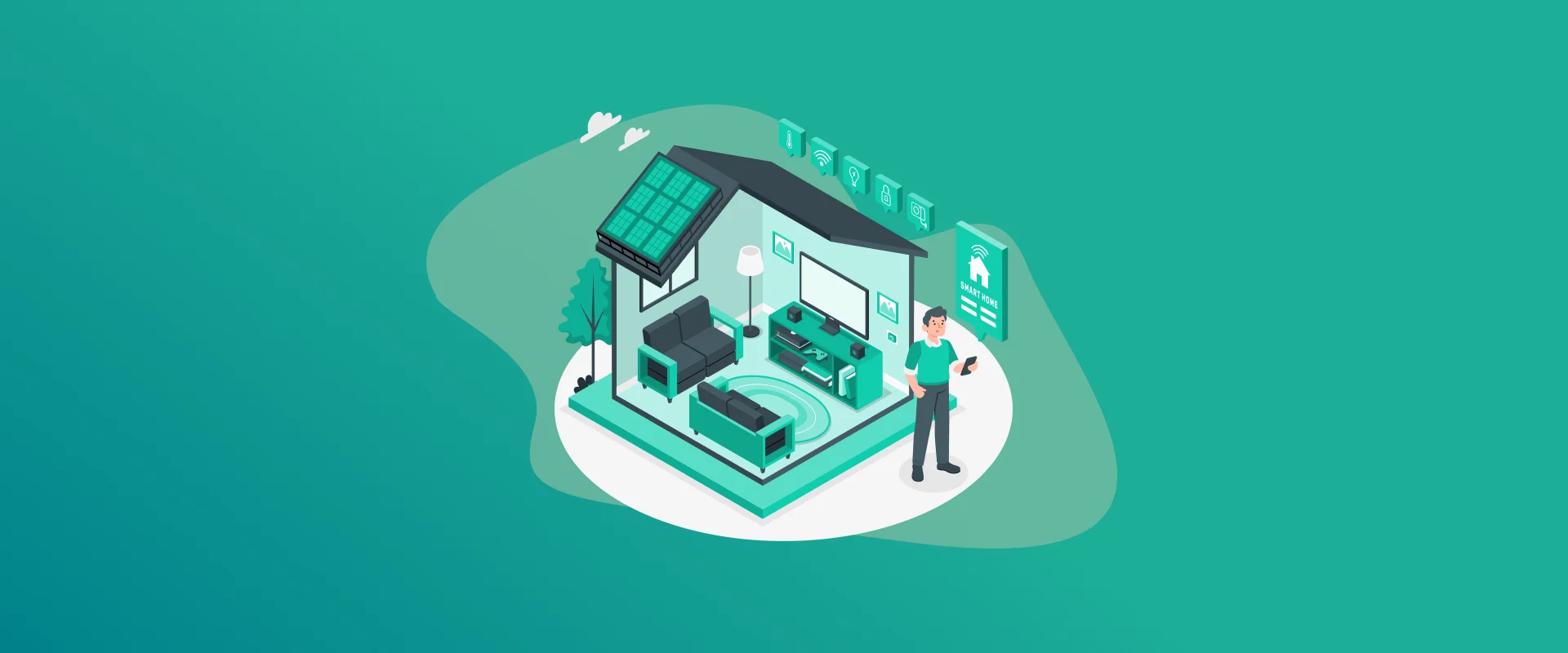
I’ll be honest, when I first set up my smart home cameras, I didn’t think twice about the passwords. I just went with whatever the app suggested and moved on. Big mistake. A few months later, I started reading horror stories about people’s private moments being streamed online because of weak smart home camera passwords. That woke me up fast.
If you’re using Wi-Fi cameras, doorbell cams, or even traditional CCTV setups, protecting your home camera passwords, CCTV passwords, and CCTV camera passwords is one of the smartest things you can do for your family’s privacy.
Note: Many users hate managing all those passwords until they started using a password manager. FastestPass Password Manager makes generating and storing strong credentials painless.
Why Hackers Love Going After Camera Passwords
Smart cameras are juicy targets. They sit inside our homes, recording everything from morning routines to late-night conversations. Once a hacker cracks your credentials, they don’t just watch they can download footage, disable alerts, or use your camera to attack the rest of your network.
Default passwords and lazy reuse are the main culprits. I’ve seen too many cases where people left the factory “admin/admin” combo in place for years. Don’t be that person.
Step 1: Kill Those Default Passwords Right Now
The moment you plug in a new camera, change the password. I mean, immediately before you even test the live feed.
Most manufacturers ship devices with embarrassingly weak defaults. These are listed on forums and hacker sites within minutes of a new model launch. Whether it’s a cheap indoor cam or a full CCTV system, log in, go to settings, and create something new and strong.
Step 2: Build Passwords That Actually Matter
Here’s the truth: “Password123!” or your dog’s name plus the year isn’t going to cut it anymore.
Good smart home camera passwords should be long (16+ characters), random, and completely unique for each device. Yes, each one. Your front door camera should not share credentials with the backyard or nursery cam.
Step 3: Turn On Two-Factor Authentication (And Actually Use It)
Strong passwords alone aren’t enough anymore. Enable 2FA wherever it’s offered, like app, email, or authenticator. It’s a small extra step that stops most casual hackers dead in their tracks.
Some older CCTV systems still don’t support it natively, so you might need to update firmware or run the camera through a more secure network setup.
Step 4: Stop Ignoring Updates
Nothing screams “easy target” like outdated firmware. Manufacturers push security fixes for a reason. Set your cameras and router to update automatically if possible, and check manually every few weeks.
I once skipped updates for six months and later found out there was a major vulnerability that let people bypass login screens entirely. Lesson learned.
Step 5: Lock Down Your Wi-Fi Like Fort Knox
Your cameras are only as secure as your home network. Here’s what I do:
- Separate IoT network for all smart devices
- Strong WPA3 encryption
- Router admin password changed (not the same as Wi-Fi password)
- UPnP and WPS turned off
This way, even if someone gets hold of one CCTV camera password, they’re stuck in a sandbox and can’t reach my computers or phones.
Step 6: Keep an Eye on Who’s Watching
Most camera apps show login history. Get in the habit of checking it every couple of weeks. Look for logins from weird locations or strange times.
Set up notifications for failed login attempts, too. Better to get an alert at 3 AM than discover months later that someone was snooping.
Step 7: Think About Encryption and Storage
Always use HTTPS connections for remote viewing. If your camera supports local storage (SD card or NAS), consider using it for sensitive footage. Cloud storage is convenient, but it adds another point of risk.
Extra Tips I’ve Picked Up Along the Way
- Change critical passwords every 3-4 months
- Never check your cameras on public Wi-Fi
- Use a VPN for remote access when traveling
- Physically secure outdoor cameras so they can’t be easily tampered with
Avoid the classic mistakes: sharing passwords with neighbors, writing them on sticky notes, or using the same one across your email and cameras.
FAQs
Every 90 days is solid for most people. Change them right away if you’ve shared access with anyone or suspect something feels off. Yes, absolutely. Way too many people never change them, and hackers know the common ones by heart. If you have more than two or three cameras, yes. It’s the only sane way to keep unique, strong passwords without losing your mind. Change the password immediately, enable 2FA, check your router logs, and reset the camera if needed. Also, scan your network for other compromised devices. It can be, since it keeps footage off the internet. But you still need strong network security and regular backups. Many people use local for privacy, cloud for convenience.
Final Words!
Securing your smart home camera passwords doesn’t require you to become a cybersecurity expert. It just takes some basic habits and a bit of follow-through. Take twenty minutes this weekend to audit your cameras, update weak spots, and set up better protections.
Your home and family deserve that peace of mind. Don’t wait until something creepy happens to take action. Lock those cameras down properly today.
Generate passkeys, store them in vaults, and safeguard sensitive data! Receive the latest updates, trending posts, new package deals,and more from FastestPass via our email newsletter.
By subscribing to FastestPass, you agree to receive the latest cybersecurity news, tips, product updates, and admin resources. You also agree to FastestPass' Privacy Policy.
Secure and Create Stronger Passwords Now!
Subscribe to Our Newsletter