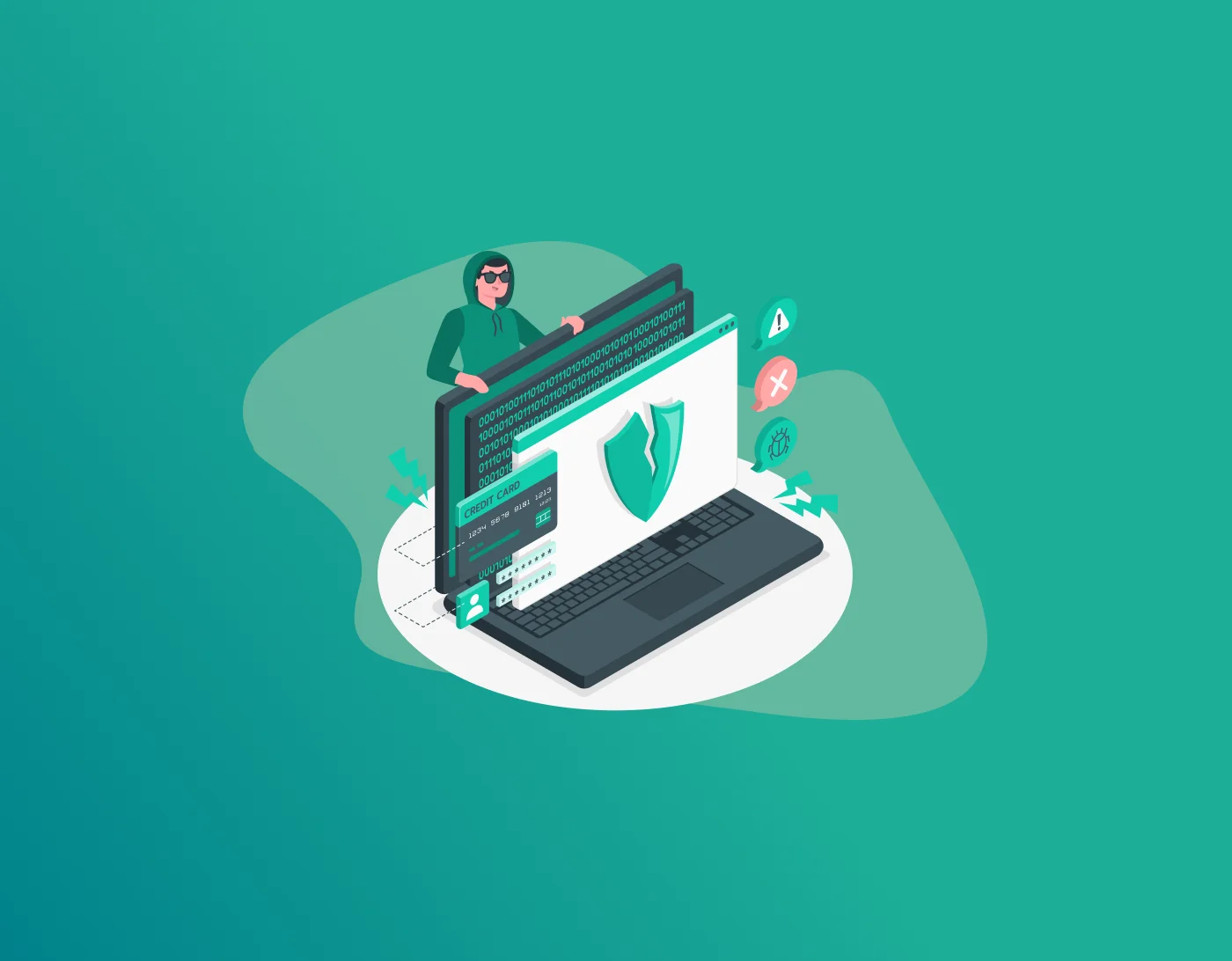
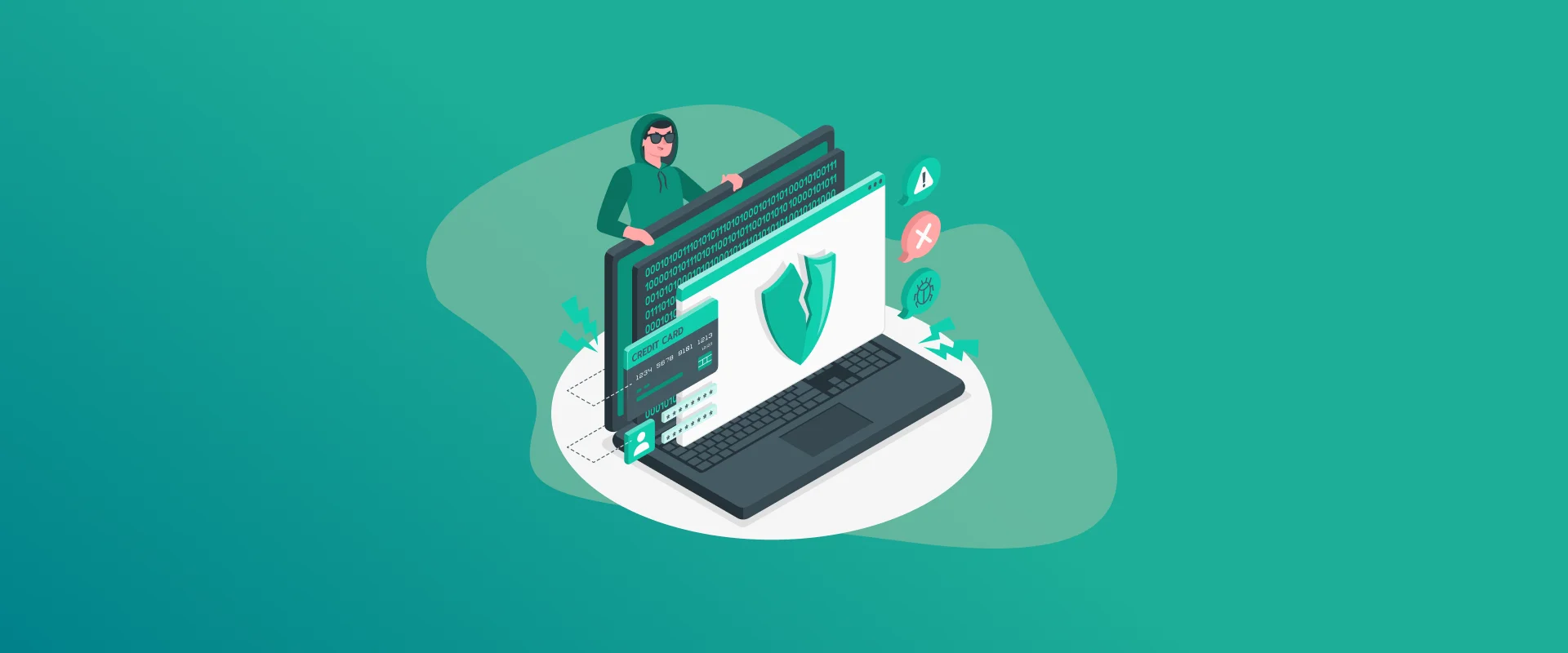
Look, let’s be honest, passwords suck. They’re annoying to remember, easy to mess up, and right now, they’re under serious attack like never before. Hackers aren’t just using basic guessing tools anymore. They’ve got AI helping them run brute force attack campaigns that are faster, sneakier, and way more effective than anything we’ve seen in the past.
Note: Trying to remember 50 different strong passwords is impossible. That’s why password managers exist. They create insane, random passwords for every site and lock them behind one strong master password. For a solid all-rounder that’s fast and reliable across devices, check out FastestPass Password Manager. It handles the heavy lifting so you don’t have to.
What Is a Brute Force Attack?
At its core, a brute force attack is pretty simple: the attacker keeps throwing different password combinations at a login page until one finally works. Think of it like trying every single key on a massive keyring until the lock clicks open.
In the old days, this was slow and obvious. But computers got faster. Then came GPUs that could test millions of passwords per second. Now? AI has completely changed the game. These systems don’t just guess randomly, they learn, predict, and adapt. They study how real people create passwords and focus their energy on the combinations you’re most likely to use.
I’ve seen regular folks lose important email accounts, banking access, and even small business systems because they thought their password was “good enough.” It usually isn’t anymore.
How AI Makes Brute Force Attacks Scary Good
Here’s where it gets ugly.
AI doesn’t blindly try every possibility. It analyzes billions of leaked passwords from past breaches and spots patterns. It knows people love using their pet’s name + birth year + an exclamation mark. It understands regional trends, popular phrases, and even slang.
Worse, these AI systems learn on the fly. If they notice certain types of passwords aren’t working on your account, they quickly shift strategy instead of wasting time. They can also mix in data from your LinkedIn, Facebook, or old forum posts to make educated guesses.
This isn’t science fiction. It’s happening right now. Some AI-enhanced brute force attack tools have cut cracking times from weeks down to hours for medium-strength passwords. And with cheap cloud computing, pretty much any decent hacker can run this stuff.
Why You Should Actually Care Right Now
Most people still reuse passwords or use short ones like “Summer2025!” or “Dragon123”. Against AI, those are basically invitations.
The scary part? One cracked password often leads to everything else because of password reuse. Your email gets hit, then the attacker resets passwords on your banking, crypto wallets, work VPN, you name it. It’s a nightmare.
I’ve talked to small business owners who lost thousands because their “secure” admin password fell to a targeted brute force attack. Don’t let that be you.
Real Ways to Actually Protect Yourself
Alright, enough doom and gloom. Here’s what works in practice:
Ditch Weak Passwords for Good
Stop using anything short or predictable. Go for at least 16–20 characters. Better yet, use passphrases, random words strung together that mean something to you but would be impossible for others (and AI) to guess.
Examples: “PurpleElephantDancesAtMidnight2026!” or something equally weird. The goal is length + randomness.
Turn On Multi-Factor Authentication Everywhere
This is probably the single biggest thing you can do. Even if someone gets your password through a brute force attack, they still need your second factor, usually your phone or a hardware key.
Skip SMS if you can. Use authenticator apps or physical keys like YubiKey. They’re much harder to bypass.
Make It Hard for Attackers to Guess Fast
- Use unique passwords for every single account
- Enable account lockouts after failed attempts (most services have this)
- Watch out for login attempts from weird countries or times
Stay on Top of Breaches
Check Have I Been Pwned regularly. If your email shows up in a leak, change that password immediately. Better yet, set up monitoring so you get alerts.
Consider Going Passwordless
Passkeys are getting better every month. They use your fingerprint, face ID, or device to log you in without typing anything. Many big sites already support them, and they laugh in the face of brute force attack attempts.
Extra Layers Smart People Use
- CAPTCHA and rate limiting: Slows down automated attacks
- Device and location checks: Blocks logins from unfamiliar places
- Behavioral monitoring: Some services flag weird typing patterns or mouse movements
- Regular audits: Every few months, go through your accounts and clean house
Also, train yourself (and your team if you run a business) to spot phishing. Many brute force attack campaigns start with stolen credentials from clever phishing emails.
The Human Side of All This
Technology changes fast, but people don’t. We’re still lazy with passwords because remembering them is a pain. The trick is to make security easier, not harder. That’s why good tools and habits matter more than trying to be perfect.
I used to reuse passwords across a few accounts. One close call later, I finally made the switch. Haven’t looked back since.
FAQs
It depends. An 8-character password using common words can fall in minutes. A random 18-character one? We’re talking years or decades, even with AI helping. Length really is your best friend here. Yeah, they are. Old tools just sprayed and prayed. AI studies real human behavior and narrows down the possibilities dramatically. It’s like the difference between guessing blindly and having a really smart cheat sheet. Good ones use strong encryption. Even if attackers steal the database, cracking it without your master password is extremely hard. Just make sure your master password is long and unique. It makes them way less effective. The attacker would need both your password and your second factor. It’s not perfect, but it stops most automated attacks cold. Go long and random. Use password generators. Avoid anything personal or common. The more unpredictable and lengthy, the better chance you have against modern brute force attack tools. Only when there’s a breach, or you suspect something’s wrong. Forcing changes every month usually leads to weaker passwords. Focus on strength and uniqueness instead.
Final Words!
Protecting yourself from AI-powered brute force attack threats isn’t about being paranoid. It’s about being smart and a little proactive. Strong, unique passwords, a decent password manager, multi-factor authentication, and basic awareness will take you a long way.
The internet isn’t getting safer anytime soon. Hackers and AI tools will keep improving. But if you build better habits now, you’ll sleep much easier knowing your accounts aren’t low-hanging fruit.
Generate passkeys, store them in vaults, and safeguard sensitive data! Receive the latest updates, trending posts, new package deals,and more from FastestPass via our email newsletter.
By subscribing to FastestPass, you agree to receive the latest cybersecurity news, tips, product updates, and admin resources. You also agree to FastestPass' Privacy Policy.
Secure and Create Stronger Passwords Now!
Subscribe to Our Newsletter