
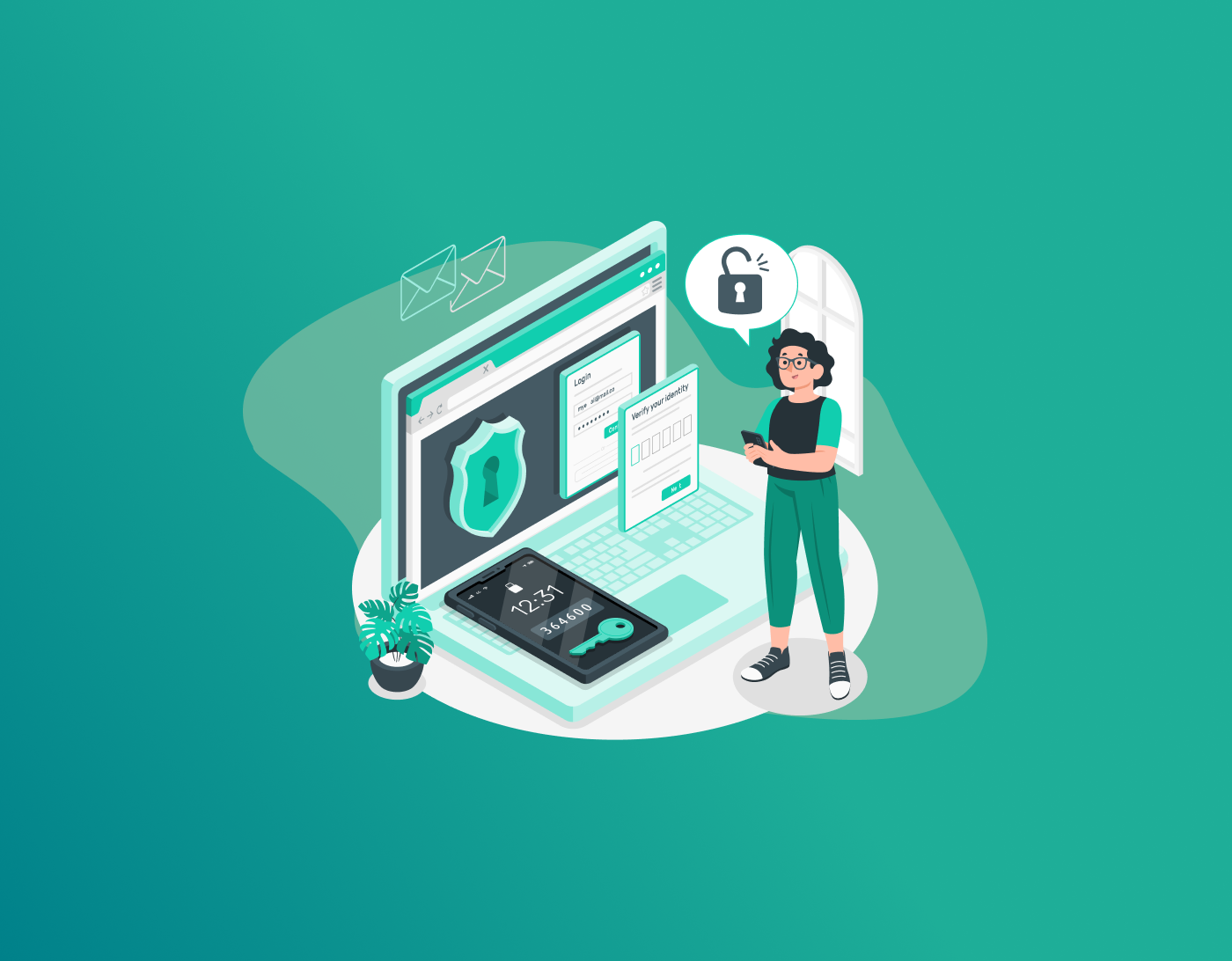

Imagine you log in one morning, and everything’s gone haywire. Emails hijacked, bank alerts popping up for stuff you didn’t buy, social feeds filled with posts from “you” that aren’t yours. Often, it all boils down to one weak spot: your password manager was hacked. These tools are meant to keep things easy, holding all your logins in one spot, but a breach turns them into a hacker’s playground.
Here, we’ll break down clues that your vault’s compromised, password manager hacked, spot leaked passwords, and figure out fixes. No matter if you’re just browsing or deep into security, knowing these red flags keeps your online world locked down.
Note: A password manager hacked can expose all your accounts to thieves, leading to identity theft and financial chaos. Switch to FastestPass password manager for cutting-edge encryption and real-time threat detection to keep your digital life secure.
What Password Managers Do
These apps stash your usernames and passwords for sites and programs, cranking out tough ones so you don’t reuse the same weak junk everywhere. Think of names like LastPass, Bitwarden, or the speedy FastestPass password manager. They pack extras like linking with two-step verification, safe sharing options, and syncing across gadgets. By locking everything in an encrypted box, they cut down on dumb mistakes like “password123” for every account.
But here’s the catch: crack that manager, and bam, someone’s got access to your whole setup. Spotting signs your password manager has been hacked matters big time. A compromised vault opens doors to stolen identities, drained accounts, and snooped-on private stuff. Stats from security folks show password messes cause most hacks over 80% so staying sharp is key.
Why Password Managers Face More Threats Now
Password keepers have exploded in use lately, but so have the tricks aimed at them. Bad guys use sneaky emails, viruses, and endless guesswork to poke holes. Big leaks have hit some services, dumping leaked passwords onto shady markets. FastestPass password manager has dodged those huge hits with its solid defenses, though nothing’s bulletproof.
Weak spots come from old versions, lame main passwords, or bugs left unfixed. Keyloggers snag your unlock code, or hackers hit unknown flaws in the code. Getting these risks helps dodge a password manager hacked mess.
How Hackers Target These Tools
First off, know the entry points. Fake emails lure you to phony pages for your details, while trojans sneak onto your machine and swipe vault data. Browser add-ons can be risky, too; if a bad one slips in, it grabs what you autofill. Sometimes, it’s an inside job or a hit on the company’s suppliers, leading to a vault compromised for tons of users.
Leaked passwords from other sites are hurt if you recycle them. Check breach alerts on spots like Have I Been Pwned to catch issues early.
Red Flags Your Manager’s Been Hit
Catch a password manager hacked quickly to limit chaos. Watch for logins from weird places or gadgets you don’t know. Crooks test grabbed info on bunches of sites, so scan your inbox for odd alerts from your accounts.
Suppose the app acts glitchy, like filling in wrong passwords or rejecting your key, which screams trouble. New stuff in your vault you didn’t put there? Definite intrusion sign.
Suspicious Stuff in Connected Accounts
Don’t just check the manager’s eye, your linked spots too. Settings flipped without you knowing, like new emails or backups, hint at leaked passwords in play. Say your bank app kicks you out a lot or shows you buys you didn’t make; trace it back to a vault compromised.
Social accounts get hit hard; scan for mystery posts or random ads. Worse, it spirals into fake loans or charges under your name.
Sketchy Messages and Warnings
After breaks, hackers follow up with more scams. Emails yelling about urgent fixes or checks? Dig in close. Real outfits like FastestPass password manager won’t bug you for your main password over email.
If the company blasts out a breach notice, treat your info as risky and move fast.
Shifts in the App’s Look or Feel
Tiny tweaks in how it works can signal hacks. 2FA turned off on its own, or someone poking at export tools? Big alert. Peek at activity records if they have them for stranger logins.
If it lags, crashes, or slows way down, malware might be lurking. Hit updates to seal known gaps.
Hunt if your details popped up in dumps. Sites like Have I Been Pwned flag if your vault’s touched indirectly. Bunch of accounts hit at once? Points to a core password manager hacked.
Figure Out If Your Vault’s Breached
To nail down a compromised vault, audit everything. Sign in from a clean machine and comb through logins. Swap your main password right away if something’s off. Turn on 2FA if it’s not, and add face or finger scans.
Run antivirus software to hunt bugs on your gear. Suspect a hit? Cut that device from the net. FastestPass password manager users can tap its scanner for oddities.
Watch credit files for funky moves, since leaked passwords fuel scams. If extras like addresses sat in the vault, alert the right people.
First Moves After Spotting Issues
See signs your password manager has been hacked? Jump on it. Boot all unknown devices from the app. Then flip passwords on big accounts because email and money are first.
Hit up the manager’s help crew; they might guide you or hook up fixes for wide breaches.
For a password manager breached, lock it down. Wipe and rebuild the vault if you can, moving only clean stuff. Go manual or temp tool while sorting.
Tell services about possible leaked passwords. Lock accounts or set fraud watches on banks. Maybe freeze credit to block ID grabs.
If the company’s sloppy, legal steps could work. Note it all for claims.
Bouncing Back from a Vault Leak
Getting over a password vault leak means rebuilding your setup correctly. Pick a fresh, trusted manager, maybe jump to FastestPass password manager for its smart threat spotting.
Learn the ropes: go for long phrases, slap 2FA on everything, skip stashing cards in the vault without extra locks.
Down the road, grab VPNs or security classes to beef up. Back up vaults offline, but encrypt them tightly.
Steps to Avoid Future Headaches
Better to stop trouble than fix it. Grab managers with full encryption and setups where providers can’t peek. FastestPass password manager nails this with future-proof codes.
Patch updates fast, craft strong mains, flip on every safeguard. Split vaults for job and home if it fits. Track security buzz to spot new dangers.
Shop for one with clean audits and good buzz. Open ones get crowd checks, while paid ones like FastestPass password manager bring top help. Weigh what you need: simple use, fits your stuff, and price tag. No one’s perfect, but smart picks slash odds.
FAQs
Mystery logins from places you’ve never been, devices you don’t own showing up in sessions, or alerts flooding your email about failed attempts, these hit hard and fast. Glitchy behavior counts too: autofill spitting out wrong credentials, the app rejecting your master password out of nowhere, or random crashes that started recently. Worst yet, spot entries in your vault that you never added usernames, sites, or notes that aren’t yours. That’s a dead giveaway of a password manager being hacked. Pair this with leaked passwords showing up on breach-check sites, and you’ve got solid proof your vault was compromised. Start simple: punch your email into Have I Been Pwned and see what breaches pop. Many managers now bake in alerts for exposed creds. Scan dark web monitors if you pay for premium services. If multiple accounts get hit around the same time with similar weird activity, dig deeper; chances are the leak traces back to your central vault. Tools inside apps like FastestPass password manager flag risky or reused passwords automatically, saving manual hunts. Always cross-check after any big public breach announcement. Move fast: log in from a trusted, clean device and change that master password immediately, make it a long, unique passphrase. Kill all active sessions and force logouts everywhere. Turn on or strengthen 2FA, preferably with hardware keys over SMS. Run full malware scans on every device that touches the manager. Audit every stored login for tampering. Prioritize resetting passwords on email, banking, and shopping accounts first, they’re prime targets after leaked passwords hit the wild. Contact the provider’s support right away; they often have breach-specific protocols. Depends on the breach scale and your trust level. Suppose it was a massive company-wide hit with poor response, bail, and switch providers. But if you caught it early through personal signs, your password manager has been hacked and acted quickly, a solid manager can still work, especially ones with zero-knowledge setups where even they can’t read your data. Reset everything, enable every security layer, and monitor closely. Many bounce back stronger by migrating to tougher options that survived unscathed. Devastating if ignored. Hackers grab hundreds of unique logins at once, hitting emails to lock you out, banks for quick cash grabs, and socials for scams or embarrassment. Leaked passwords fuel credential-stuffing attacks across unrelated sites. Identity theft ramps up: fake accounts opened, credit ruined, personal data sold. Recovery drags on for months, freezing credit, disputing charges, rebuilding trust. One vault compromised snowballs into total online chaos unless you contain it fast. Free ones like Bitwarden’s open-source core hold up strong against audits and deliver core encryption. But paid tiers think premium support, faster patches, extras like built-in VPN or dark web scanning, edge ahead for heavy users. No free ride means slower bug fixes sometimes. Bottom line: security hinges more on your habits than price tag, but paying often layers smarter defenses against evolving threats.
Final Thoughts!
Online threats shift quickly than ever, so staying sharp for a password manager hacked stays non-negotiable. Catch early clues like a vault compromised, leaked passwords floating around, weird account moves, and you cut damage big time.
Know exactly how to tell if your password vault is compromised, then hit back hard with proven steps: what to do if your password manager was breached, followed by smart moves on how to recover from a password vault leak.
Generate passkeys, store them in vaults, and safeguard sensitive data! Receive the latest updates, trending posts, new package deals,and more from FastestPass via our email newsletter.
By subscribing to FastestPass, you agree to receive the latest cybersecurity news, tips, product updates, and admin resources. You also agree to FastestPass' Privacy Policy.
Secure and Create Stronger Passwords Now!
Subscribe to Our Newsletter




