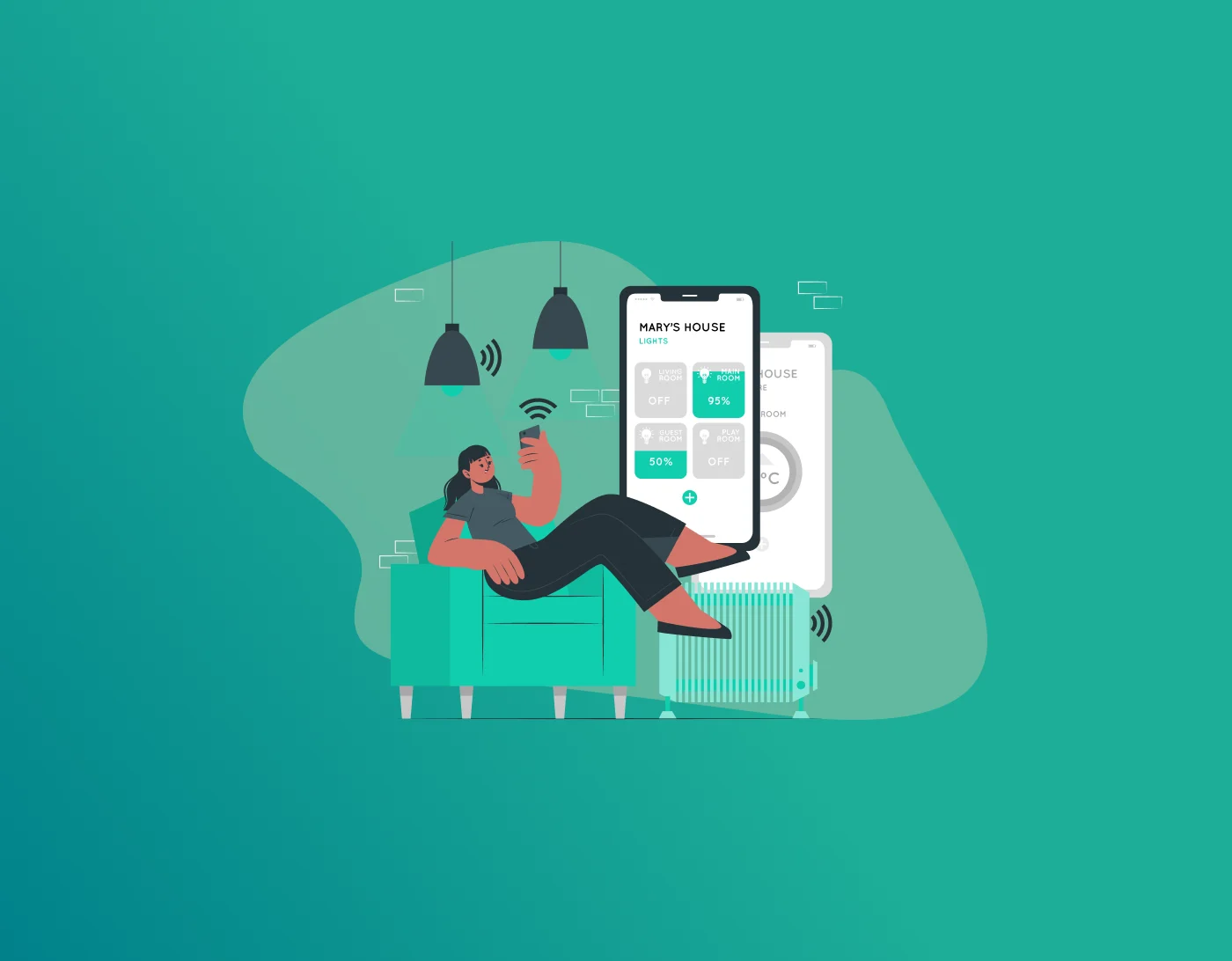
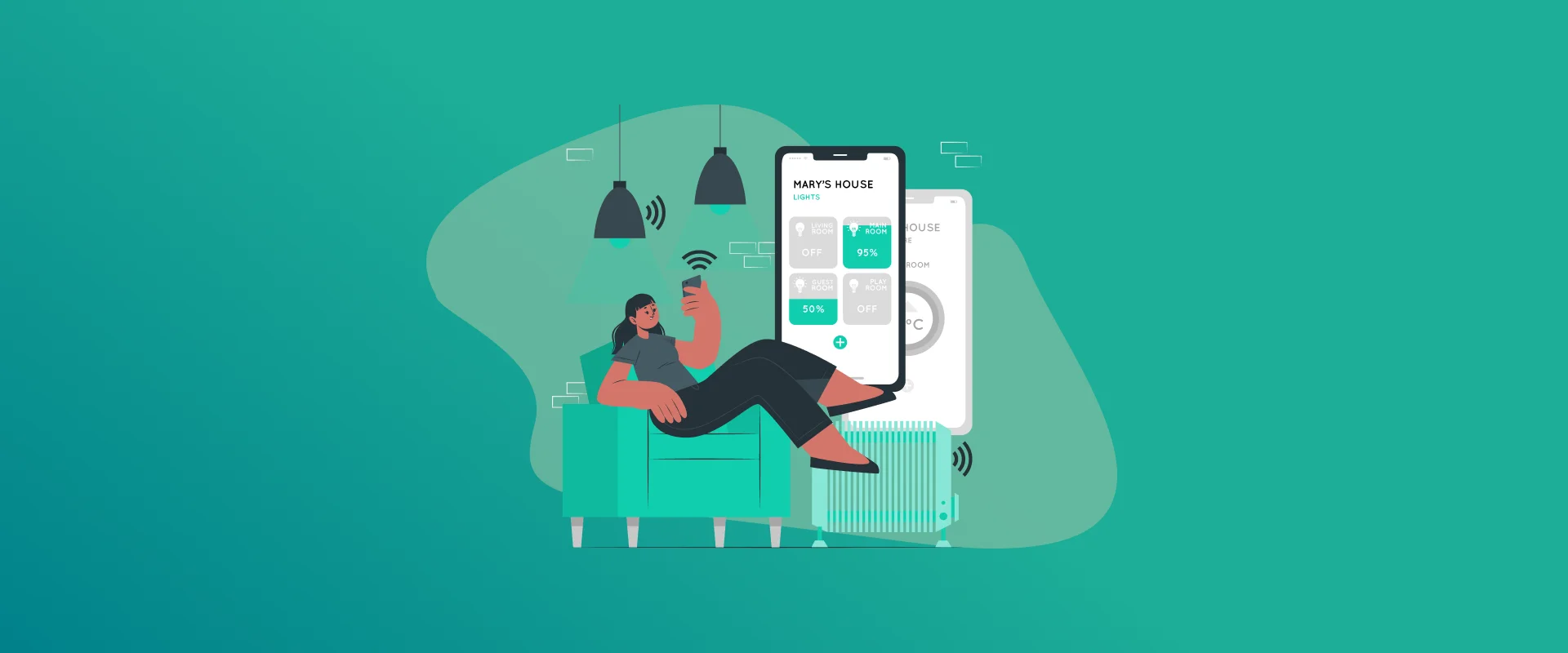
Every other home is now being controlled with Alexa or other built-in AI bots that take all operations of your smart home under their influence. Learn how to safeguard your passwords on smart home devices starts with strong, unique logins, secure Wi‑Fi, and strict control over which apps, people, and services can access your connected gadgets.
NOTE: As seen in movies and TV shows, smart home devices aren’t just limited to Alexa anymore. Smart devices are capable of protecting entire homes and managing functions like when to turn a stove on and turn it back off, with just one command. However, this functionality makes it a problem for the homeowner, especially if the commands are compromised, making it easy for burglars to break into homes.
Safeguarding your passwords has never been easier with FastestPass, with just you in control of accessing your passwords, be it for your emails or your home security!
Why Smart Home Password Security Matters
Smart home device password security is critical because every connected gadget is a potential entrance into your home network, accounts, and personal data. If smart home devices are easy to use and friendly with your wife and kids, hackers won’t have a lot to do to break into these devices.
Burglars actively scan the internet for insecure IoT devices with weak or default credentials that they can hijack, spy through, or use as a stepping stone into more sensitive systems. They can do so by simply connecting to your Wi-Fi or Bluetooth devices, or sometimes by just eavesdropping on your conversations with the smart home gadgets and monitoring how you interact with those devices.
Are Smart Home Devices Safe for Passwords?
Many people wonder if smart home devices are safe for passwords, given that smart speakers, cameras, and other such accessories are always online, connected to the network, and often always listening, if not always.
By design, they can be safe, but only if you change default passwords, enable modern encryption like WPA2/WPA3, and keep firmware updated. Otherwise, IoT password security risks increase sharply.
Smart home devices are generally safe, only if you, the homeowner, follow the necessary protocol to ensure the safety of your house, by changing your passwords every few months, limiting the people who have access to day-to-day activities with voice-automated or action-induced ways to control your smart home activity.
Security Risks of IoT Passwords
IoT password security risks usually come from a few predictable problems that you can actually control:
- Default or weak passwords that ship with devices and are published online make them easy to guess or brute‑force.
- Password reuse across routers, smart plugs, cameras, and accounts, so one breach exposes multiple devices and services at once.
- Cheap devices with hard‑coded, unchangeable passwords, which are permanently vulnerable and should be avoided entirely.
Understanding these issues is the first step in smart home hacking prevention.
How to Secure Smart Home Devices at the Network Level
Network hygiene is the foundation for securing smart home devices and keeping passwords safe. Here’s what you can do to ensure it:
- Secure the router with a strong, unique admin password and Wi‑Fi passphrase; never leave it set to “admin” or whatever is printed on the label.
- Turn on WPA2 or WPA3 encryption, disable WPS, and consider hiding or renaming the SSID so it does not reveal the router brand or model.
- Create a separate guest or IoT network and keep laptops, phones, and work devices on a different segment, so a hacked light bulb cannot lead to email or banking accounts.
FastestPass & Strong Password Practices for Smart and IoT Devices
To protect passwords on IoT devices, treat every device login like a mini‑account that deserves serious protection.
- Change every default password the first time you set up a device, using long, random passphrases instead of simple words or dates.
- Use a password manager like FastestPass to generate and store unique credentials for each device, app, and cloud account tied to your smart home.
- Turn on multi‑factor authentication (MFA) wherever the manufacturer offers it, so stolen passwords alone are not enough for an attacker to log in.
Following these smart home cybersecurity tips helps ensure attackers cannot easily guess or reuse your credentials across the ecosystem.
Additional Safety: Smart Speakers and Voice Assistants
Smart Speakers and Voice Assistants are usually placed in common areas and are always listening; therefore, you must secure smart speakers’ passwords and access carefully.
- Disable voice purchasing or require a PIN so no one, be it a human or a hacker, can place orders or make payments by simply speaking to the device.
- Avoid speaking full passwords or one‑time codes out loud near smart speakers, and review stored voice history regularly to delete sensitive clips.
- Lock smart speaker apps with strong logins and MFA, and don’t connect them directly to high‑risk functions (like door locks or alarm disarming) unless absolutely necessary.
These steps make smart home device password security much stronger around microphones and voice‑driven actions.
Cybersecurity Tips for Smart-Home Owners
Layered protection gives you more resilience if something does go wrong.
- Buy from reputable brands that provide timely firmware and security updates, then install those patches as soon as they are released.
- Regularly audit what is connected to your network, remove unused devices or apps, and review device permissions to limit data sharing.
- Consider adding a firewall, security suite, or router‑level threat protection to automatically block known malicious traffic targeting IoT devices.
Used together, these habits significantly boost smart home hacking prevention and password safety.
FAQs: Password Security on Smart Home Devices
Yes. Attackers routinely scan for devices with default or simple passwords and then use them to spy, pivot into your network, or join botnets, which is why strong, unique passwords are essential. Avoid storing or speaking sensitive passwords directly through smart speakers and hubs; instead, keep them in a reputable password manager on your phone or computer and use MFA for critical accounts. Changing all default credentials to unique, complex passwords and securing your Wi‑Fi with WPA2/WPA3 and a strong passphrase delivers the biggest immediate security boost. Check devices and router settings every few months, or after adding new gadgets, to confirm passwords are unique, firmware is current, and unused integrations or accounts are removed. Ultra‑cheap devices sometimes ship with known, hard‑coded passwords and poor update support, so they can introduce long‑term vulnerabilities that put your network and passwords at risk.
Conclusion: Building a Safer Smart Home for Your Passwords
Smart homes can be both convenient and safe if you combine strong passwords, secure networks, and careful device configuration instead of relying on factory settings.
By focusing on smart home device password security, changing defaults, using unique credentials in a password manager, enabling MFA, segmenting networks, and hardening smart speakers, you greatly limit IoT password security risks without sacrificing everyday convenience.
Generate passkeys, store them in vaults, and safeguard sensitive data! Receive the latest updates, trending posts, new package deals,and more from FastestPass via our email newsletter.
By subscribing to FastestPass, you agree to receive the latest cybersecurity news, tips, product updates, and admin resources. You also agree to FastestPass' Privacy Policy.
Secure and Create Stronger Passwords Now!
Subscribe to Our Newsletter