Technology changes fast. What works today may become outdated tomorrow. Many people keep using software for years without thinking about it. But there comes a point when that software is no longer safe.
This is where eol software becomes important. If you’ve ever asked yourself what is eol software, don’t worry. This guide will explain everything in simple words. No jargon. No confusion. Just clear, useful information.
What Is EOL Software?
EOL stands for End of Life. EOL software is software that the company has stopped supporting. It no longer gets updates. No fixes. No security patches.
It still runs. But it is no longer maintained. Think of it like an old car. It might still drive. But spare parts are no longer available. Repairs become harder. And over time, it becomes risky to use.
That’s exactly how eol obsolete software works in the digital world.
Why Does Software Reach End of Life?
Every software has a lifecycle. It does not last forever. First, it is launched. Then it grows and becomes popular. After some time, a newer version replaces it. Slowly, the old version becomes less useful. Finally, the company decides to stop supporting it.
This decision is usually made to focus on better technology. New versions are faster, more secure, and more compatible with modern systems.
So, older software is pushed out. This is normal. But it becomes a problem when users keep using outdated versions for too long.
What Happens When Software Becomes EOL?
When software reaches its end, things start changing quietly. At first, everything looks fine. The software still opens. It still performs tasks. But behind the scenes, it becomes weaker.
No updates are released anymore. That means any bug stays there forever. If a security flaw is discovered, it is never fixed.
Over time, the gap between old software and new technology keeps growing. This is when risks begin to increase.
The Hidden Risks of EOL Software
Using eol software may seem harmless. But it can cause serious problems.
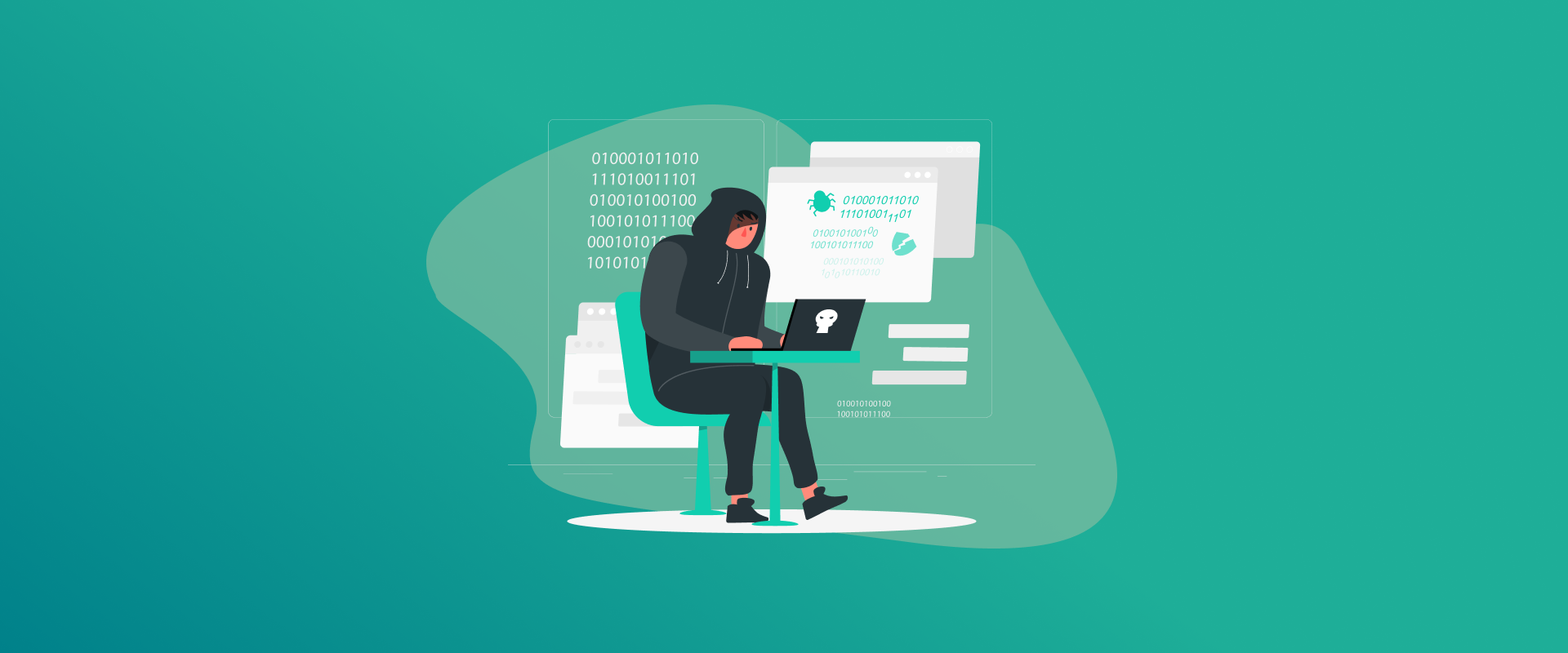
The biggest issue is security. Hackers love outdated software. Why? Because its weaknesses are already known. And since no patches are released, those weaknesses stay open.
This makes your system an easy target. Another issue is performance. Old software is not designed for modern devices. It may slow down. It may crash. It may stop working properly with new tools.
Compatibility also becomes a headache. New apps, systems, or updates may not support it. You start facing errors. Things stop syncing. Work gets interrupted.
For businesses, the risk is even bigger. Using outdated software can break compliance rules. It can lead to penalties. It can damage trust. So even if it “works,” it is not safe.
Real-World Examples
This is not just about small apps. Even major companies follow strict lifecycle rules.
For example, f5 eol software is a common concern in enterprise environments. F5 regularly retires older software versions. Businesses must upgrade to stay secure and supported.
The same applies to juniper eol software. Juniper products come with defined support timelines. Once the deadline passes, updates stop completely.
Another strong example is palo alto software eol. Palo Alto Networks focuses heavily on security. Yet even they discontinue older versions to push users toward safer, updated systems.
These examples show one thing clearly. No software lasts forever. Not even from top cybersecurity providers.
Why Do People Still Use EOL Software?
You might think people would stop using it immediately. But that’s not always the case.
Many users simply don’t know their software is outdated. Others delay upgrades because everything still “seems fine.” Cost is another reason. Upgrading systems can be expensive. Especially for businesses.
Sometimes, old systems are deeply connected to operations. Replacing them feels complicated. So companies keep delaying the change. But this delay often creates bigger problems later.
How to Know If Your Software Is EOL
You don’t need to be a tech expert to spot the signs. If your software hasn’t been updated in a long time, that’s a warning. If you see messages about support ending, take them seriously.
Another sign is compatibility issues. If your software struggles to work with new devices or systems, it may already be outdated.
Sometimes, the company itself announces end-of-life dates. Most people ignore these notices. But they are important. Pay attention to them.
What Should You Do Next?
If you are using eol software, don’t panic. But don’t ignore it either. Start by checking the official website of the software. See if support has ended. If yes, look for an upgrade.
Upgrading is always the safest option. New versions bring better security and improved performance. If an upgrade is not available, consider switching to another tool. It may take time. But it is worth it.
For businesses, planning is key. Create a simple transition plan. Decide timelines. Set a budget. Move step by step. And while you are in transition, focus on protecting your data.
A Smart Safety Step You Should Not Ignore
Even with updates, your accounts need protection. This is where a password manager helps.
Using FastestPass makes your digital life safer. It stores strong passwords. It protects your accounts. It reduces the risk of breaches.
When you are dealing with outdated systems, this extra layer of security becomes even more important. It’s a simple step. But it makes a big difference.
EOL Software and Cybersecurity Reality
Let’s keep it real. Most cyberattacks don’t happen because of advanced hacking tools. They happen because of simple weaknesses.
And eol obsolete software is one of the biggest weaknesses. Hackers don’t need to work hard. They already know where the flaws are. They just take advantage of them.
That’s why experts always say the same thing. Keep your software updated. It’s the easiest way to stay safe.
Final Thoughts
So, what is eol software? It is software that has reached the end of its life. No support. No updates. No protection.
It may still work. But it is no longer reliable. Ignoring it can lead to security risks, performance issues, and serious problems over time.
The smart move is simple. Stay updated. Upgrade when needed. And protect your data with tools like FastestPass. Because in today’s digital world, staying current is not just a choice. It’s a necessity.
Generate passkeys, store them in vaults, and safeguard sensitive data! Receive the latest updates, trending posts, new package deals,and more from FastestPass via our email newsletter.
By subscribing to FastestPass, you agree to receive the latest cybersecurity news, tips, product updates, and admin resources. You also agree to FastestPass' Privacy Policy.
Secure and Create Stronger Passwords Now!
Subscribe to Our Newsletter